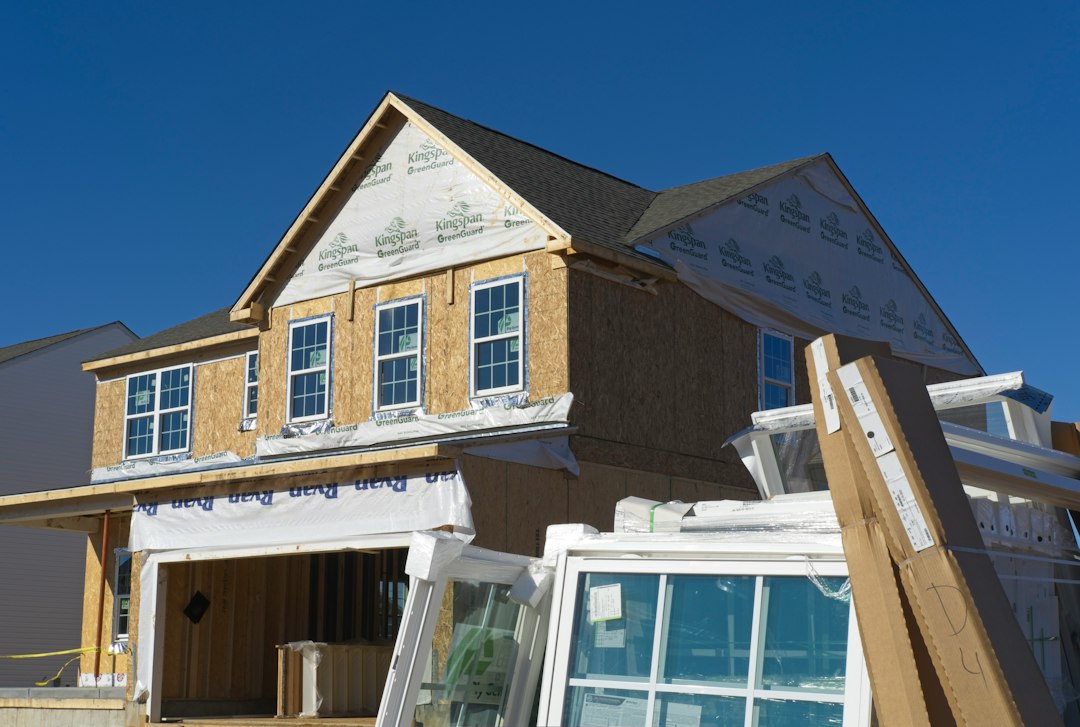
Fix & Flip / Value-Add
Rehab & Deal Analyzer
Build a detailed rehab estimate, model holding and financing costs, compare labor approaches, and test maximum purchase price and projected return.
Open Rehab & Deal Analyzer →
Use the tool that matches the strategy—from a quick offer screen to a full rehab, BRRRR, rental, multifamily, or payment analysis—then carry the scenario into a conversation with Elite.
These tools answer different questions. Use the rehab analyzer for a value-add project, the BRRRR calculator when refinance and capital recovery matter, the rental calculator for a typical single-family buy-and-hold, and the multifamily calculator for apartment-building acquisitions.
Build a detailed rehab estimate, model holding and financing costs, compare labor approaches, and test maximum purchase price and projected return.
Open Rehab & Deal Analyzer →
Estimate cash returned at refinance, capital left in the deal, remaining equity, post-refi cash flow, and cash-on-cash return.
Open BRRRR Calculator →
Analyze monthly cash flow, cap rate, cash-on-cash return, DSCR, annual NOI, cash invested, and rent-to-price for a typical rental property.
Open Rental Calculator →
Evaluate NOI, cap rate, DSCR, debt yield, cash-on-cash return, price per unit, break-even occupancy, operating expenses, and implied value.
Evaluate an Apartment Deal →Use these when you need a fast offer screen or a payment estimate before moving into the deeper analysis above.
Estimate a maximum flip purchase price from ARV and repairs, then compare 60%, 65%, 70%, 75%, and 80% rule scenarios.
Open 70% Rule Calculator →
Estimate monthly payment scenarios when the main question is how loan size, interest rate, and term affect debt service.
Open Mortgage Calculator →Once the numbers are framed, submit the actual property and financing scenario so we can review the structure, timing, leverage, and capital need in context.